
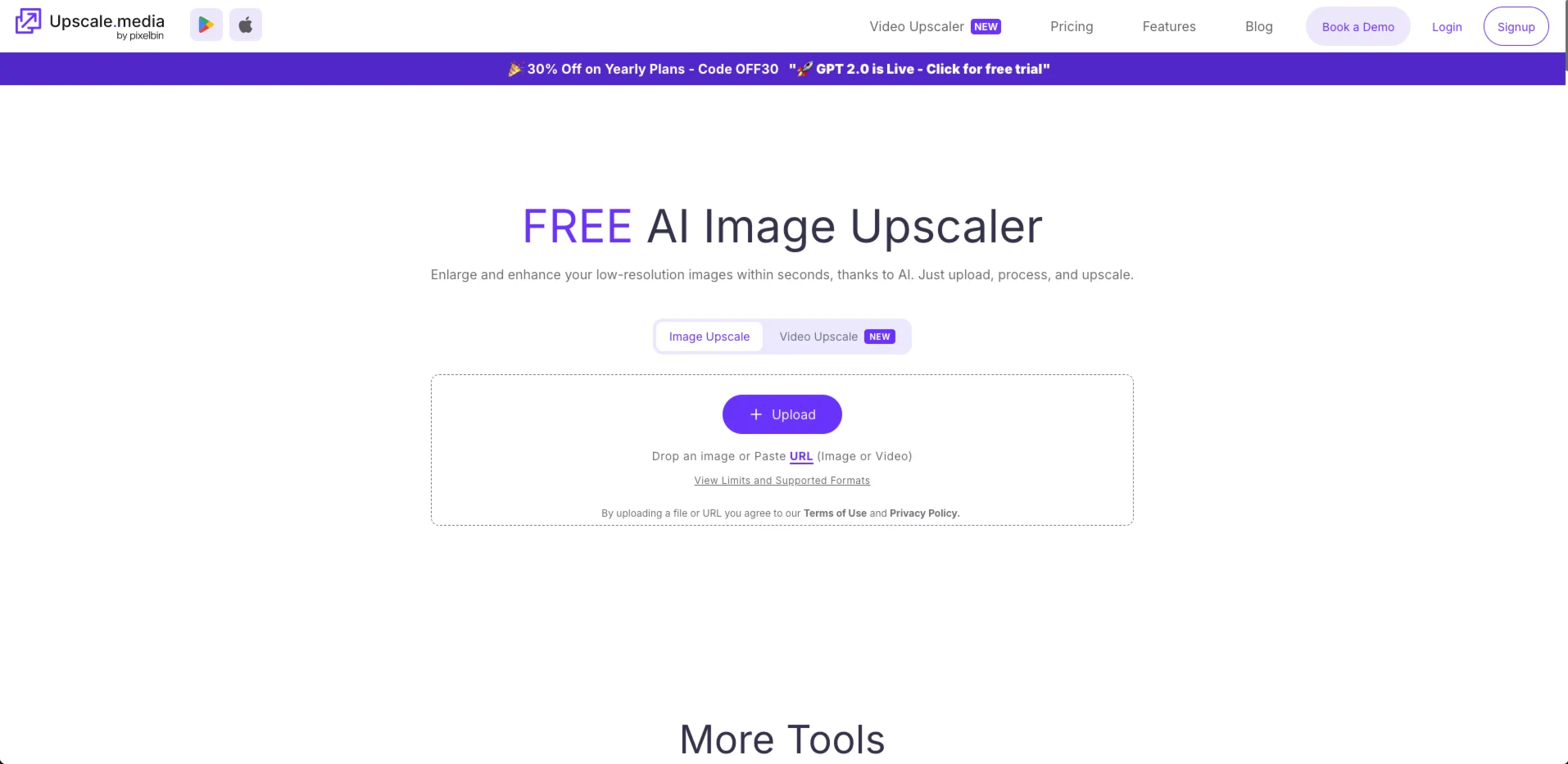

Upscale.media — Upscale images 2x, 4x or 8x online in seconds — no install needed, free tier inc
Free online AI image upscaler — enlarge photos 2x, 4x, or 8x in seconds with face enhancement, deblur, and JPEG artifact removal. No install required.
Upscale.media is a browser-based AI image upscaler that enlarges low-resolution photos up to 8x in seconds without installing anything — just upload, pick a scale, and download. Built by PixelBin, it goes beyond simple resizing with a suite of enhancement tools including face restoration, deblur, dehaze, colorization, and JPEG artifact removal, making it a practical one-stop shop for creators and e-commerce teams who need cleaner visuals fast.
What Upscale.media Can Do
- Upscale images 2x, 4x, or 8x without pixelation, using AI trained on texture and detail preservation
- Enhance faces in portraits — brighten, smooth, and restore facial features with a dedicated face enhancement model
- Remove JPEG compression artifacts, motion blur, and haze to recover clarity from degraded source files
- Colorize black-and-white or faded photos with realistic AI-generated color
- Upscale short video clips (up to 1 minute) using the built-in Video Upscaler
- Process images via API and SDK for teams integrating upscaling into their own product or batch workflow
- Access from iOS and Android apps for on-the-go enhancement
Is Upscale.media Right for You?
E-commerce sellers and product photographers get clear, immediate value: upscaling low-resolution product shots to print or listing quality in under 10 seconds, with no technical setup.
Social media managers and content creators use it for quick thumbnail, banner, and profile image fixes — Reddit users specifically flag its speed and zero-install convenience as reasons they reach for it over desktop tools.
Developers and teams with batch processing needs benefit from the API/SDK integration and the PixelBin console, which supports combining upscaling with background removal and custom presets at scale.
Not a great fit for: users who need truly unlimited free processing — the free tier's 3 credits per month runs out in one session. Text inside images is a recurring pain point flagged by Product Hunt reviewers: labels, captions, and chart annotations can turn blurry or distorted after upscaling. For maximum output control or offline processing, Upscayl or Topaz Gigapixel are stronger alternatives.
Upscale.media Pricing & Plans
- Free — $0: 3 credits + 3 free downloads per month after signup; 1 free image per day without an account; no credit card required
- Subscription (yearly): 1,500 credits/yr at $31.49 · 3,000 credits/yr at $48.99 · 6,000 credits/yr at $99.99 · 12,000 credits/yr at $150 ($0.01/credit); unused credits expire each billing cycle
- One-time credit packs: 50 credits $9.99 · 200 credits $24.99 · 500 credits $54.99 · 1,000 credits $60; valid 1 year from purchase
- Enterprise: custom pricing via sales; includes API access, dedicated support, and volume discounts
Best value: For occasional use, the 200-credit one-time pack at $24.99 covers ~200 upscales without a recurring commitment. For regular volume, the 12,000-credit annual subscription at $0.01/credit is the cheapest per-image rate available.
Upscale.media Review: Pros & Cons
Pros
- No installation, no GPU required — works on any device from a browser or mobile app, which Reddit users consistently list as the primary reason they choose it over desktop alternatives like Upscayl
- Fast processing: most standard images upscale in under 10 seconds, making it practical for quick one-off fixes between other tasks
- Enhancement suite beyond upscaling — face restoration, deblur, dehaze, colorization, and artifact removal in one place, covering most common image recovery scenarios
- API and SDK access on paid plans allows teams to automate batch upscaling inside their own product or content pipeline
Cons
- Text in images — labels, captions, chart annotations — frequently turns blurry or distorted after upscaling, a complaint raised repeatedly by Product Hunt reviewers
- Free tier is extremely limited at 3 credits per month; meaningful testing or regular personal use requires a paid plan or one-time credit purchase
- Maximum upscale factor is 8x, compared to 16x achievable with Upscayl's desktop double-pass; no output format customization
- All images are uploaded to PixelBin's servers — a privacy concern for sensitive client assets or unreleased work
Best Upscale.media Alternatives
- Upscayl — free, open-source desktop app that processes everything locally with no uploads and no credits; best for privacy-sensitive work and users with a compatible GPU who want unlimited free upscaling
- Topaz Gigapixel AI — paid desktop tool (~$99 one-time) with the strongest face recovery and portrait restoration models; better output quality on heavily degraded or complex images
- Let's Enhance — subscription-based web upscaler with consistent results optimized for e-commerce product photography; stronger on color accuracy and print-ready output than Upscale.media