
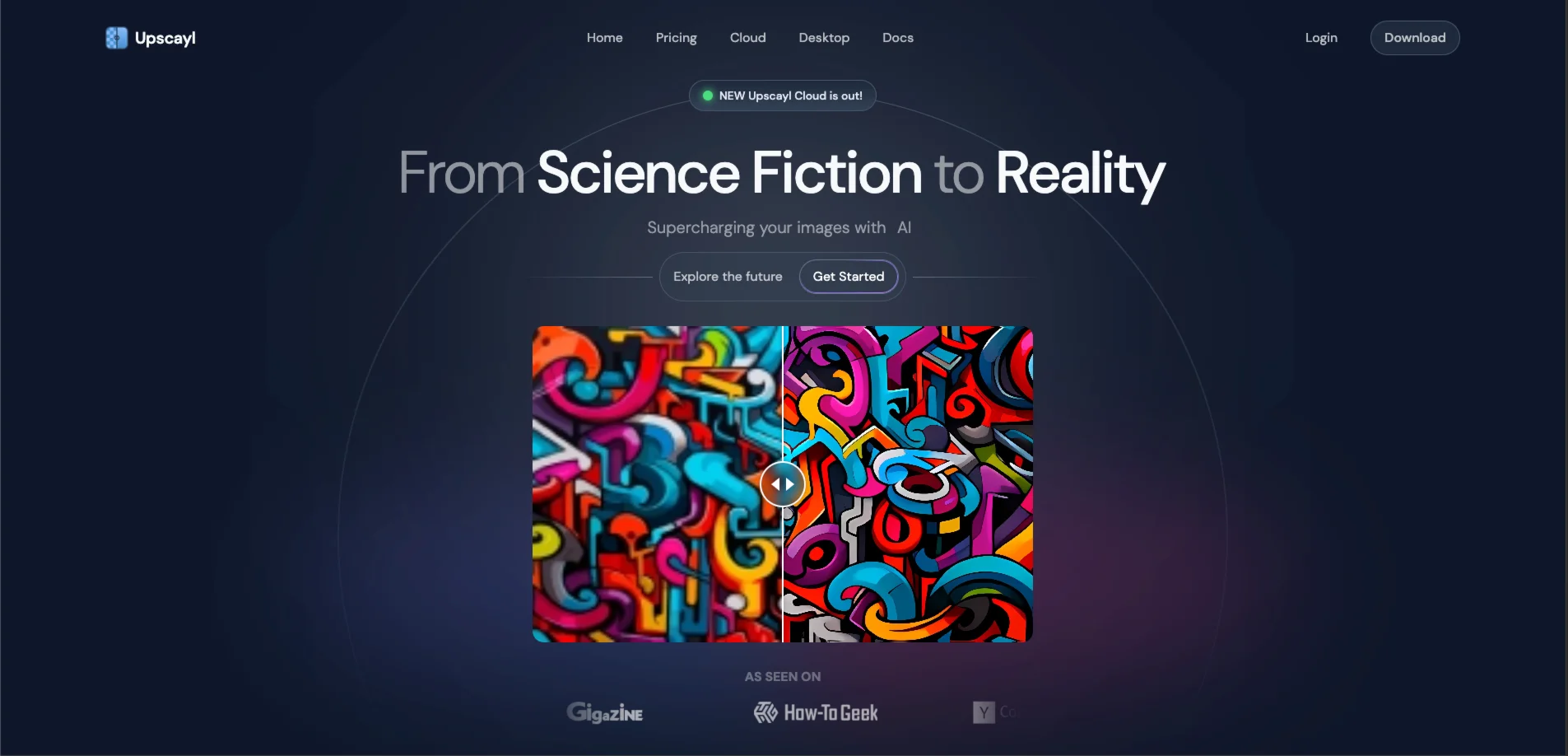

Upscayl — Free open-source AI image upscaler for desktop — runs locally, no uploads, up to
#1 free open-source AI image upscaler. Runs locally on Windows, macOS, Linux — no uploads, no watermarks, up to 16x resolution. Cloud plan also available.
Upscayl is a free, open-source desktop app that upscales blurry or low-resolution images up to 16x using Real-ESRGAN AI models — all processing happens locally on your machine, so no images ever leave your device. Available for Windows, macOS, and Linux, it's consistently ranked by Reddit and independent reviewers as the best free AI image upscaler, and the only one that matches paid tools at its price point (zero).
What Upscayl Can Do
- Upscale images 2x, 3x, or 4x per pass — chain two passes for up to 16x total resolution gain — without watermarks or file size limits
- Choose from multiple AI models including General Photo (Real-ESRGAN), UltraSharp, Remacri, Digital Art, and High Fidelity, each tuned for different image types
- Batch upscale entire folders of images in one go, saving hours on bulk workflows
- Run "Double Upscayl" to push a single image through the pipeline twice for maximum resolution improvement
- Export results in PNG, JPG, or WEBP with customizable output paths
- Use Upscayl Cloud (paid) for browser-based upscaling on any device without a local GPU — also includes AI image generation and editing
Is Upscayl Right for You?
Photographers and digital artists who want to rescue old, small, or compressed images get the most from Upscayl — especially for line art, illustrations, and images with clean edges, where it produces results comparable to Topaz Gigapixel at zero cost.
Privacy-conscious creators choose Upscayl specifically because nothing is uploaded to a cloud server. Client photos, unreleased designs, and sensitive archive scans never leave the local machine.
Linux users get first-class support — Upscayl was built with a Linux-first philosophy and is available via Flathub, Snapcraft, and AppImage.
Not a great fit for: users without a dedicated Vulkan-compatible GPU — integrated graphics and CPU-only machines either fail to run Upscayl or produce very slow results. It's also not the strongest choice for portrait restoration, where Topaz Gigapixel's dedicated face recovery models outperform it. Users needing a web or mobile workflow should look at the Cloud tier or alternatives.
Upscayl Pricing & Plans
- Desktop app — Free: Fully featured, no watermarks, no daily limits, no account required. Open-source under AGPL-3.0. Requires a Vulkan-compatible GPU.
- Upscayl Cloud Free Trial — $0: 10 credits included after signup to test cloud upscaling without hardware constraints.
- Pro — $24.99/mo: 300 credits/month with rollover; priority support; 6 months of cloud storage; upscale images up to 256MP; AI image generation; early access to new models.
- Business / Custom — contact for pricing: Higher MP limits (up to 512MP), custom credit volumes, dedicated support, and unlimited storage.
Best value: For most users, the free desktop app is all they'll ever need. Only consider Cloud Pro if you lack a compatible GPU, need to upscale from mobile, or are processing commercial volumes where speed matters.
Upscayl Review: Pros & Cons
Pros
- Completely free and open-source with no watermarks, no usage caps, and no account required for the desktop app — a user on Twitter wrote it's "better than all the paid ones I tried the trial of"
- All processing runs locally — zero privacy risk, making it safe for client work, sensitive archives, or unreleased creative assets
- Multiple specialized AI models let you match the upscaling approach to the image type: General Photo for real-world shots, Digital Art for illustrations, UltraSharp for fine detail
- Batch processing handles entire folders at once, practical for photographers and print-on-demand sellers with large catalogs
Cons
- Requires a dedicated Vulkan-compatible GPU — machines with only integrated graphics either fail to run Upscayl or process images extremely slowly; GPU initialization error is a common first-run complaint
- Face and portrait restoration is weaker than Topaz Gigapixel AI; human faces in upscaled images can show artifacts on challenging inputs
- No mobile or tablet support on the desktop app; the Cloud tier covers web/mobile but adds a subscription cost
- Upscaling beyond 4x per pass uses chaining rather than a true higher-factor model, which can introduce cumulative artifacts on heavily degraded source images
Best Upscayl Alternatives
- Topaz Gigapixel AI — the professional benchmark for image upscaling with dedicated face recovery and denoising; paid (~$99 one-time); best for portraits and heavily degraded photos
- waifu2x — free and open-source, purpose-built for anime-style art and illustrations; stronger than Upscayl for that specific content type but no graphical interface
- Let's Enhance — web-based upscaling with no local GPU needed; subscription-based but produces consistent professional output; best for e-commerce product shots and commercial workflows without installation