
Playground AI — Design logos, stickers, T-shirts & social posts with AI — free to start, no skil
AI design tool for logos, stickers, T-shirts, and social posts. Free plan available, trusted by 13M+ creators. Canva alternative with GPT Image 2 & more.
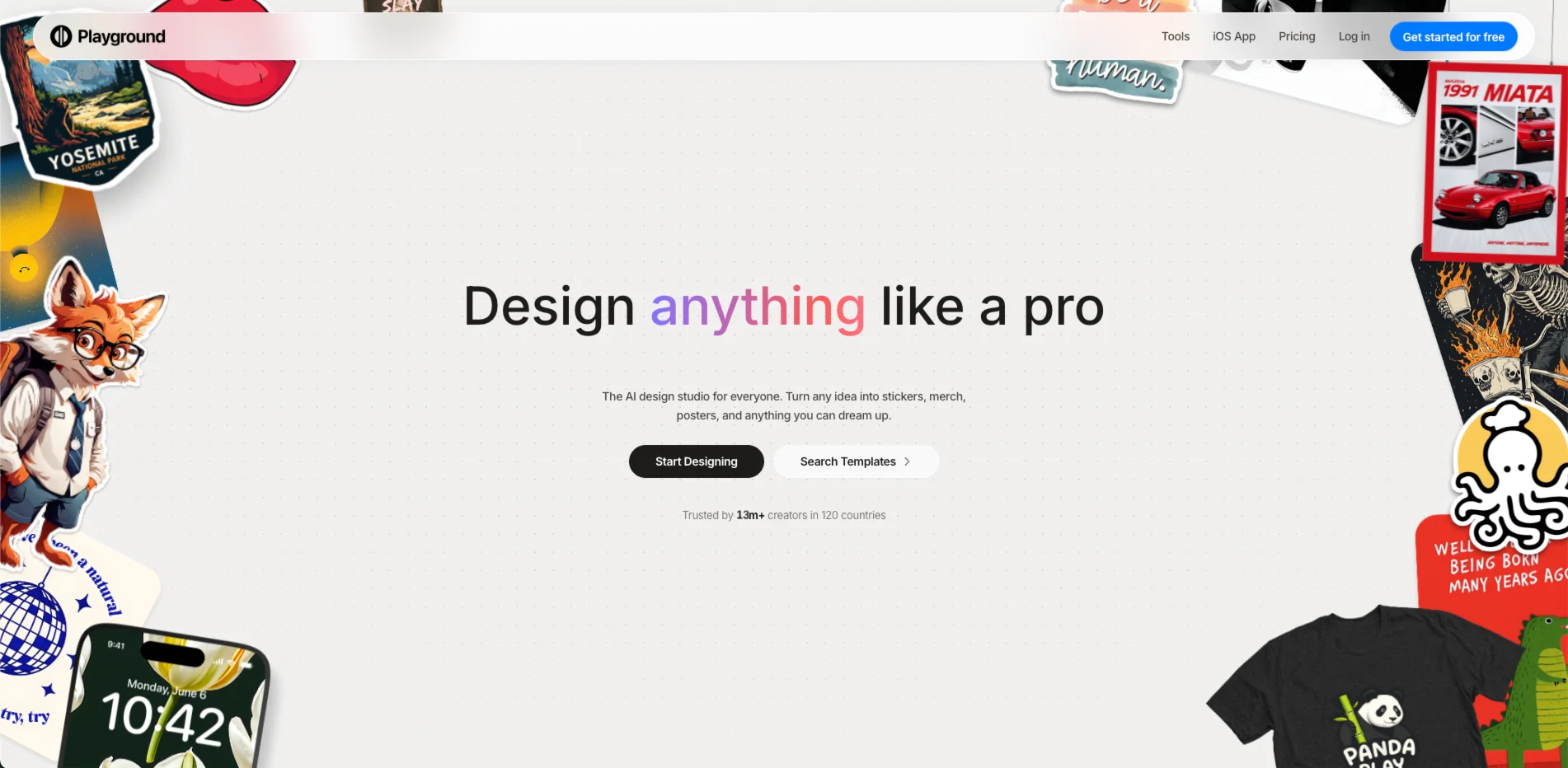
Playground AI lets you design logos, stickers, T-shirts, social media posts, and posters from a text prompt — no graphic design experience required. Trusted by 13M+ creators across 120 countries, it positions itself as a Canva alternative that leans heavier on AI generation, bundling multiple frontier models (GPT Image 2, Nano Banana Pro, Seedream) in one web and mobile studio.
What Playground AI Can Do
- Type a description and get a finished design — logo, poster, sticker, or T-shirt graphic — in seconds using GPT Image 2 or Nano Banana models
- Start from 1,000+ customizable templates across 24 categories (logos, mockups, memes, mobile wallpapers, cards) to skip the blank page
- Swap styles, remove backgrounds, and upscale images with non-destructive edits you can keep tweaking
- Print designs directly on merch — caps, hoodies, tote bags, socks — without leaving the platform
- Export as SVG for vector-quality files (Pro and above), ready for print-on-demand or client delivery
- Extend or resize images up to 4K with AI-powered canvas expansion (Pro Plus)
Is Playground AI Right for You?
Entrepreneurs and print-on-demand sellers get the most out of Playground: generate a logo, drop it on a mockup hoodie, and order print-ready merch without touching Illustrator.
Social media managers and content creators can crank out on-brand graphics fast — the template library covers every post format, and the free plan's 10 images per 3 hours covers casual daily use.
Freelance graphic designers looking for a quick concept or client-facing mockup will benefit from the SVG export and royalty-free commercial license on paid plans.
Not a great fit for: users who need fine-grained prompt control and advanced model parameters. Also, the free tier's 3 monthly credits for premium models runs out fast. Power users who need Midjourney-tier artistic control should look elsewhere.
Playground AI Pricing & Plans
- Free: 10 image edits per 3-hour rolling window; only 3 monthly credits for GPT Image 2, Seedream, and Nano Banana; 10 downloads/day; no background removal or upscaling; no commercial use license
- Pro — $12/mo (billed annually): 75 images per 3-hour window; 150 monthly credits; background removal and upscaling; unlimited downloads and SVG exports; 2K AI image editing; worldwide commercial license
- Pro Plus — $36/mo (billed annually): Unlimited PGv3 generations; 1,000 monthly credits including Nano Banana Pro; 4K AI image editing; priority support; API access
Best value: Pro at $12/mo is the sweet spot for small creators — the 150 monthly credits and commercial license justify the cost for anyone selling designs. The free plan's 3 premium credits per month is tight enough that serious users hit the wall quickly.
Playground AI Review: Pros & Cons
Pros
- Generating a social media post or logo takes under a minute even for first-timers — G2 users consistently flag ease of use as the biggest differentiator
- Multi-model access (GPT Image 2, Seedream, Nano Banana) in one interface means you can compare output quality without switching platforms
- The merch integration lets print-on-demand sellers go from idea to an ordered product in one session
- Commercial license included on all paid plans with no attribution requirements
Cons
- The free plan's 3 premium model credits per month is so restrictive that real testing requires going paid immediately — users on G2 flag this as a major frustration
- Image generation can be noticeably slow during peak hours on the free tier
- Mobile browser experience has had stability issues; one G2 reviewer described a login loop that prevented image generation on mobile
- The 20% annual discount makes monthly billing ($15/mo) significantly more expensive for early-stage creators
Best Playground AI Alternatives
- Canva — better for teams needing a full design suite with presentations, video, and brand kits; stronger template depth but weaker standalone AI image quality
- Midjourney — best for high-quality artistic imagery where prompt fidelity matters more than design templates; Discord-only interface is a barrier for non-technical users
- Leonardo AI — preferred by users who want finer model control, custom model training, and generous free daily image quotas; less focused on ready-to-print design output